Most common Windows and Office activation errors and how to fix them
The most frequent Windows activation error codes and Office messages: what they mean and how to fix them, one by one.
Read

Since 14 October 2025 Windows 10 is out of Microsoft’s regular support. If your PC is compatible, moving to Windows 11 is free and keeps your files and programs. Here you’ll find the requirements, how to upgrade and what to do if you don’t have a valid licence for Windows 11 Pro or Home.
In short
| Component | Minimum required |
|---|---|
| Processor | 1 GHz, at least 2 cores, 64-bit, on the list of supported processors |
| RAM | 4 GB |
| Storage | 64 GB |
| Firmware | UEFI with Secure Boot |
| TPM | version 2.0 |
| Graphics card | DirectX 12 compatible |
Download and open Microsoft’s PC Health Check app and click Check now in the Windows 11 section.
If it says the PC meets the requirements, you can go ahead.
 Introducing Windows 11
The upgrade keeps files and programs, but a copy of important documents on a USB stick or OneDrive is always a good idea.
Save at least Documents, Desktop and Pictures.
Go to Settings › Update & Security › Windows Update. If the PC is compatible, the Windows 11 offer appears: click Download and install.
Alternatively, use the Windows 11 Installation Assistant from Microsoft’s website.
Windows Update
After the restart go to Settings › System › Activation. If you had an activated Windows 10, Windows 11 activates itself with the same edition.
If it says “not active”, click Change and enter your product key.
System › Activation
Not sure whether to choose Home or Pro? Read Windows 11 Pro or Home: differences and which to choose.
A tip: if you move to Windows 11, consider Pro right away. Home can be upgraded to Pro without reinstalling, as explained in how to upgrade Windows 11 Home to Pro.
You may also like: Windows 11 Pro or Home: differences and which to choose.
Read also how to change Windows 10 Home to Pro using CMD.
Learn more: Most common Windows and Office activation errors and how to fix them.
No, the upgrade through Windows Update keeps files, programs and settings. A backup is still recommended.
Yes, Windows 10 keys activate Windows 11 of the same edition: Home with Home and Pro with Pro. On Windows 10 you can also change Home to Pro using CMD.
Yes, within 10 days of the upgrade from Settings › System › Recovery › Go back.
The most frequent Windows activation error codes and Office messages: what they mean and how to fix them, one by one.
What Windows 11 Pro adds over Home, who really needs it and how to go from Home to Pro without reinstalling.
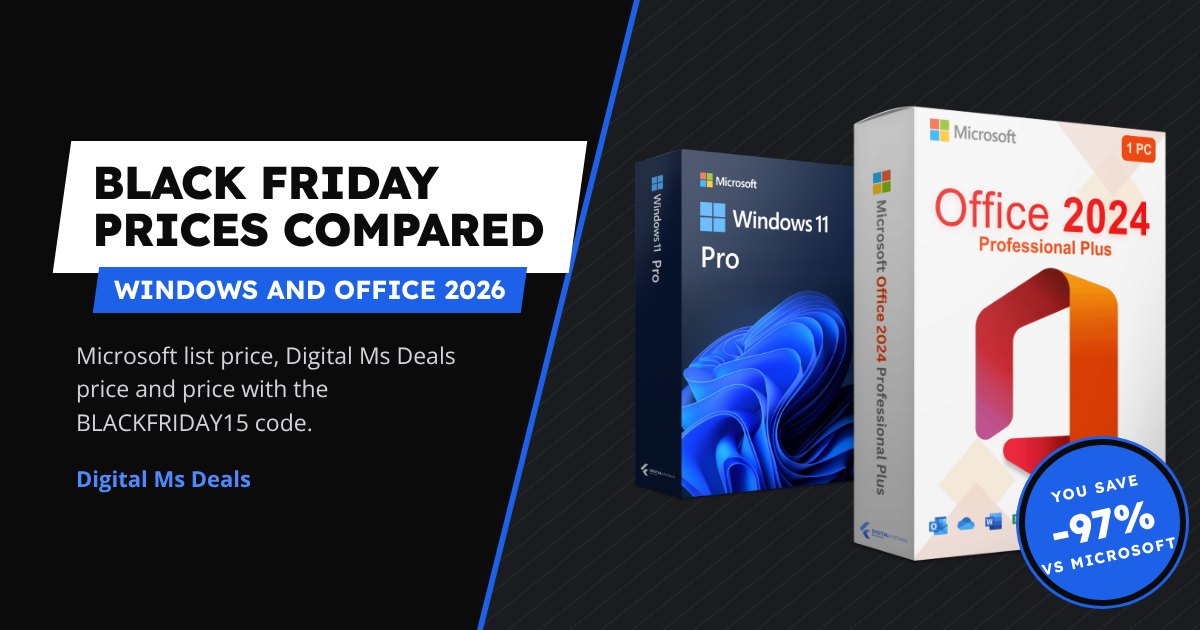
Microsoft’s official prices, Digital Ms Deals prices and prices with the BLACKFRIDAY15 code for Windows 11 and Office 2024, side by side.