Antivirus 2026: Kaspersky, Norton or Bitdefender, which to choose
Do you still need an antivirus with Microsoft Defender? Kaspersky Premium, Norton 360 Deluxe and Bitdefender Total Security compared: protection, features, devices and price.
Read

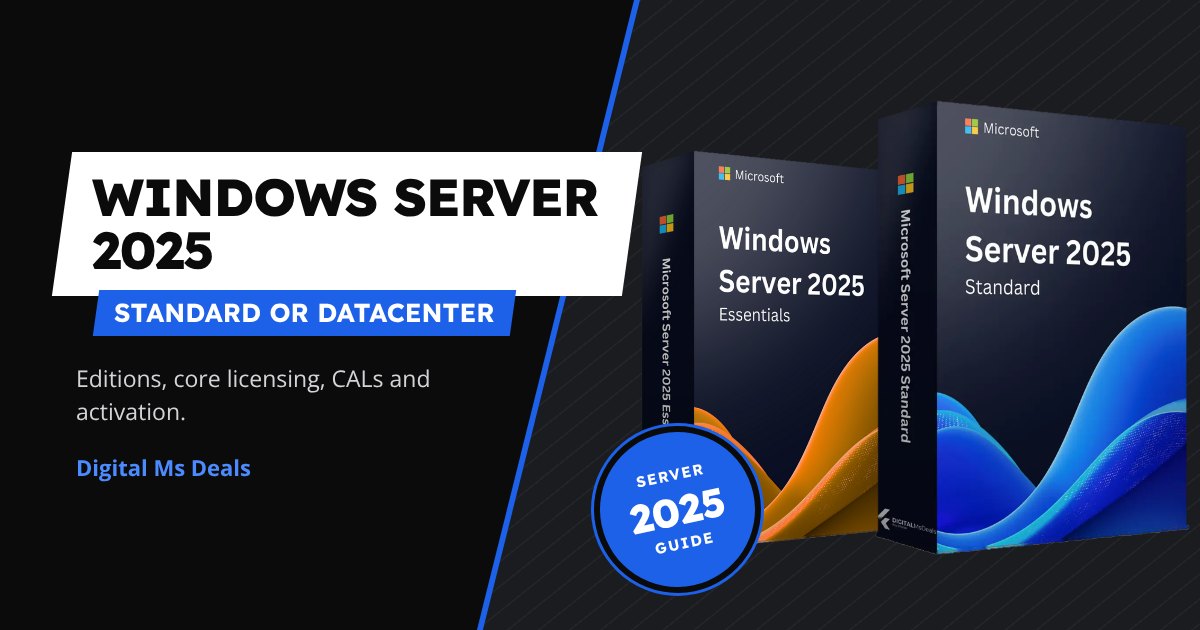
Windows Server 2025 comes in three main editions and the licensing rules aren’t intuitive: cores, virtual machines, CALs. In this guide we look at the differences between Windows Server 2025 Standard, Datacenter and Essentials, what CALs are and how to activate the server without errors.
In short
| Essentials | Standard | Datacenter | |
|---|---|---|---|
| For whom | Small offices | Businesses with physical servers or few VMs | Servers with many VMs |
| Virtual machines | 1 | 2 per licence | unlimited |
| Limits | 25 users, 50 devices, 1 processor, max 10 cores | no user limit | no user limit |
| CALs needed | no | yes | yes |
| Advanced features | basic | full | full plus Storage Spaces Direct, SDN networking, shielded VMs |
| Our price | 32,12€ | 8,71€ | 8,99€ |
Microsoft licenses Standard and Datacenter by the server’s physical cores:
Rule of thumb: up to about 10–12 VMs on the same host Standard is cheaper, beyond that Datacenter.
The server licence covers the operating system. Every user or device that uses the server’s services (files, printers, Active Directory) also needs a CAL (Client Access License):
Watch the version: a CAL is valid for its own Windows Server version and earlier ones, not later ones. A 2025 server needs 2025 CALs. Our user CALs and device CALs are for Windows Server 2022: they are fine if you use Windows Server 2022 Standard or older versions.
Download the Windows Server 2025 ISO from our downloads page and boot it from a USB stick or mount it in the virtual machine.
Windows Server setup starts.
Windows Server
Select Standard or Datacenter to match your licence. “Desktop Experience” installs the graphical interface; without it you only get the command line.
Continue until setup finishes.
Select image
Open Command Prompt as administrator, enter the key with slmgr, then activate online.
The “Product activated” confirmation appears.
The evaluation version doesn’t accept a retail key directly: it must be converted with DISM. The server restarts at the end.
After the restart the edition is the full, activated one.
If activation shows an error code, check the guide to Windows and Office activation errors or write to us from the Activation and download support centre.
See Windows Server 2025 Standard
See Windows Server 2025 Datacenter
You may also like: Most common Windows and Office activation errors and how to fix them.
Read also Is it legal to buy cheap Windows and Office licences?
With Essentials, yes, up to 25 users. With Standard and Datacenter CALs are required by the Microsoft licence, even though the server doesn’t technically check them (except RDS CALs).
No. A CAL is valid for its own version and earlier ones, so a 2025 server needs 2025 CALs.
Yes, with the command DISM /online /Set-Edition:ServerDatacenter and a Datacenter product key. You’ll find all editions in the Windows Server category.
Do you still need an antivirus with Microsoft Defender? Kaspersky Premium, Norton 360 Deluxe and Bitdefender Total Security compared: protection, features, devices and price.
The most frequent Windows activation error codes and Office messages: what they mean and how to fix them, one by one.
What the Confirmation ID is, when Office asks for phone activation and how to complete it step by step with the Get CID tool.