Office phone activation: how to get the Confirmation ID
What the Confirmation ID is, when Office asks for phone activation and how to complete it step by step with the Get CID tool.
Read

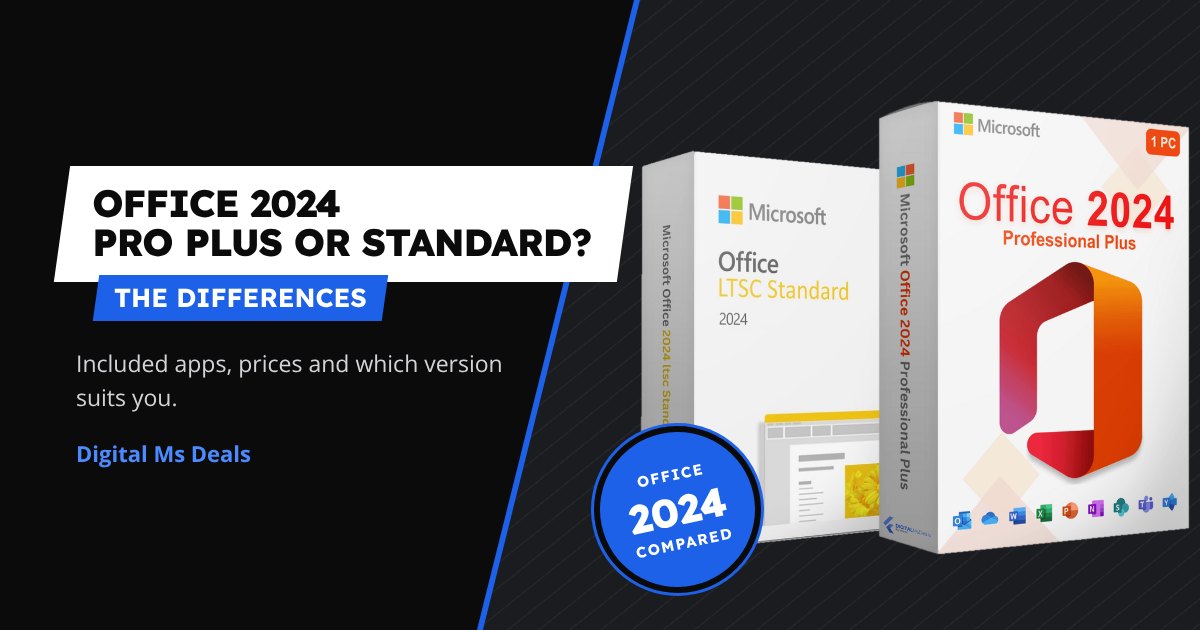
Office 2024 for Windows comes in two lifetime-licence versions: Office 2024 Professional Plus and Office 2024 Standard. They have almost the same apps: let’s see what really changes and which one suits you.
In short
Neither version includes Publisher, which Microsoft has retired, or Teams, which is a free separate download. If you need the cloud and always up-to-date apps, read the comparison Office 2024 or Microsoft 365.
| Version | Apps | Price |
|---|---|---|
| Office 2024 Standard | Word, Excel, PowerPoint, Outlook, OneNote | 5,89€ |
| Office 2024 Professional Plus | the same plus Access | 11,99€ |
| Office 2024 Professional Plus (2 PCs) | the same plus Access | 19,99€ |
Both versions install the same way: download the program from the official downloads page choosing the right version, install it and enter the product key in the program. No Microsoft account needed. Note: the Standard key only activates the Standard installation and the Professional Plus key only Professional Plus. The full guide is in how to buy, install and activate Office 2024 Professional Plus.
See Office 2024 Professional Plus
You may also like: Office 2024 or Microsoft 365: which is cheaper over 3 years.
Read also Office 2021 and Office 2019 in 2026: support has ended, should you upgrade?
Learn more: how to buy, install and activate Office 2024 Professional Plus.
Yes: uninstall Office 2024 Standard, install Professional Plus and activate it with the new key. Your files don’t change.
Yes, Word, Excel and PowerPoint are identical: documents open the same way.
No, both are for Windows. You’ll find all versions in the Microsoft Office category.
What the Confirmation ID is, when Office asks for phone activation and how to complete it step by step with the Get CID tool.
Office 2019 has had no updates since 2025 and Office 2021 since 13 October 2026. What really changes, the risks and when it is worth moving to Office 2024.
Lifetime licence or subscription? What you spend in three years with Office 2024 and with Microsoft 365 Personal and Family, and what you get for it.