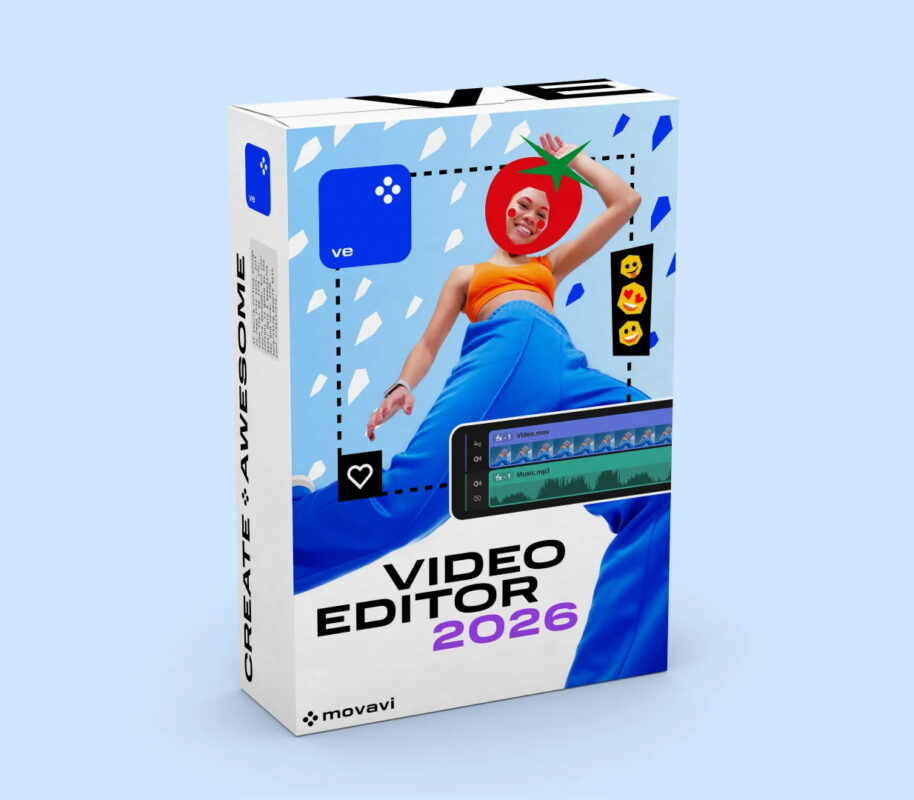
Movavi Screen Recorder 2024 Key

Trustpilot 4.9/5 (1200+) Reviews

Easily record your desktop activity with Movavi Screen Recorder 2024. Capture high-quality video, images, and audio, and share your recordings on popular platforms.

37,99€

10%
Extra 10% discount
Use the code at checkout • Offer active
Code:

2 in stock

100% Authentic Licenses
Immediate Delivery
Download Available Immediately -25%
Payment Methods Secure Payments • Money-Back Guarantee
48 People watching this product now!

What You Will Receive Immediately After Purchase

Official Download

Direct and Secure Link from Microsoft.

24/7 Support

Assistance via chat and email.

Guide and Invoice

Clear instructions and automatic invoice.

Why Buy from DigitalMSDeals?

We are a Certified Microsoft Partner with thousands of satisfied customers. Our mission is to offer 100% authentic software at the best price, with customer service that never leaves you alone.

  • Activation Guarantee: If you encounter a problem, we offer you a new license or a full refund.
  • Unbeatable Prices: We eliminate intermediaries to give you maximum savings.
  • Security and Transparency: Protected payments and a clear purchasing process from the first click.

Movavi Screen Recorder 2024

Movavi Screen Recorder 2024 is an easy-to-use program that lets you record any activity on your desktop. You can capture program workflows, Skype and Zoom calls, and webcam footage in Full HD, and save the output in any popular format.

Key Details

  • License type: license key for 1 PC
  • Delivery method: digital delivery via email
  • Support: available upon request

What You Get

  • License key for Movavi Screen Recorder 2024
  • Digital delivery via email
  • Activation and Installation Instructions

Included Apps or Features

  • Record your desktop
  • Capture program workflows, Skype calls, and YouTube videos
  • Record video from your webcam and desktop at the same time
  • Capture images from the webcam and save the audio separately
  • Record audio from two different sources
  • Schedule a recording: Choose a date and time to automatically capture your screen
  • Show key presses and cursor movements
  • Draw on the video and screenshots while recording
  • Remove unwanted segments before saving the video
  • SuperSpeed: Save quickly without compromising quality
  • Share screenshots via WhatsApp and Telegram
  • Save videos in popular formats such as AVI, MP4, MOV, GIF, and more
  • Save screenshots as JPEG, BMP, or PNG
  • Upload files to YouTube or Google Drive

System requirements

Windows

Minimum:

  • OS: Microsoft® Windows® 7/8/10/11 with up-to-date patches and service packs installed
  • Processor: Intel®, AMD®, or compatible processor, 1 GHz
  • Memory: 2 GB RAM
  • Storage: 2 GB available space
  • Additional Notes: Display 1280 × 768 screen resolution, 32-bit color

Supported languages

  • ENEnglish
  • FRFrench
  • ITItalian
  • DEGerman
  • ESSpanish
  • BRPortuguese - Brazil
  • CNChinese
  • CNChinese
  • KRKorean
  • NLDutch
  • PLPolish
  • RURussian
  • TRTurkish
  • JPJapanese

RELATED PRODUCTS